Thursday, April 25th, 2013 at 11:54 am
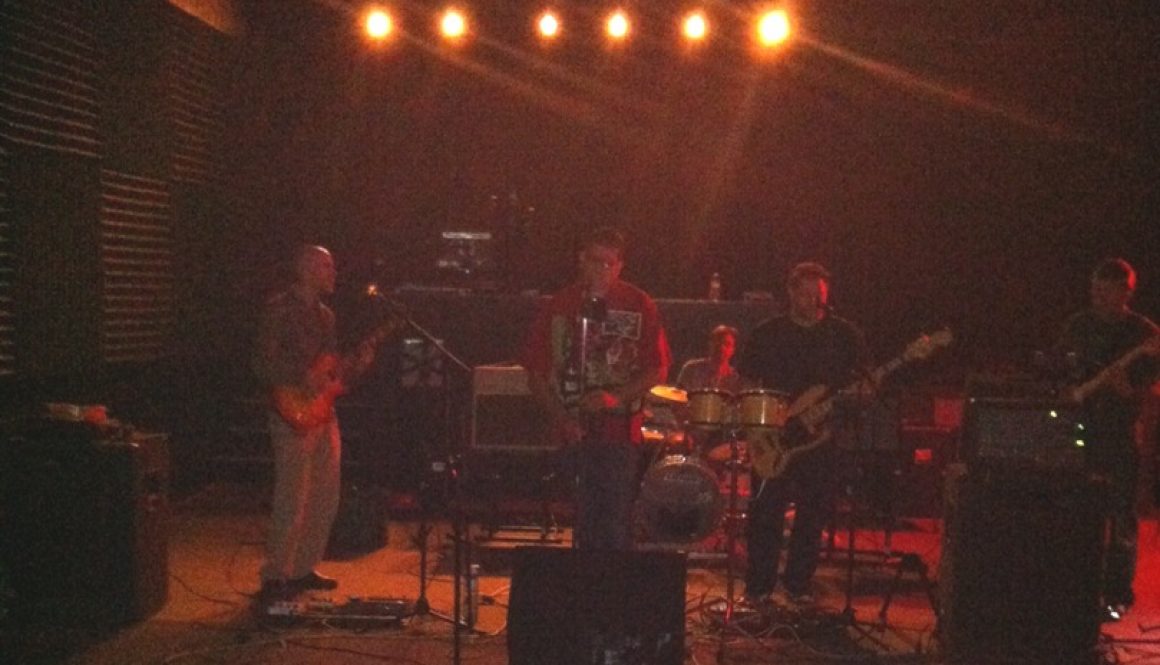
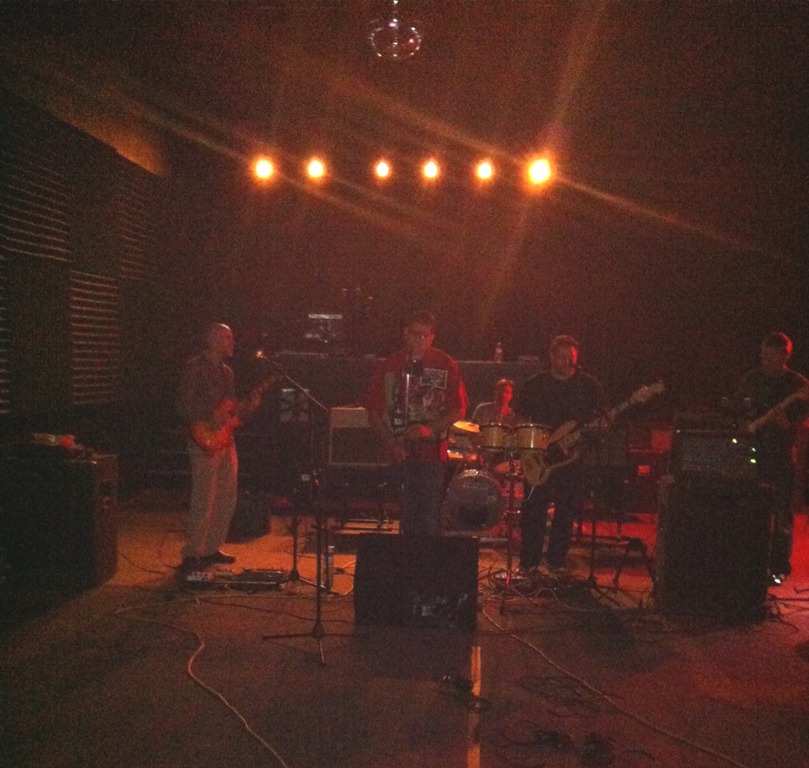
The night before my St Patrick’s Day gig with the Drop Daddies, we were setting up at a rehearsal space for a last minute practice. I powered up my gear, and none of my pedals were working!
After a bit of trial and error, it was clear that my ancient SKB PS-25 pedalboard power supply had finally keeled over. I never use batteries, but fortunately a couple of the pedals had old 9V batteries still in them, so it was enough to scrape by for the rehearsal.
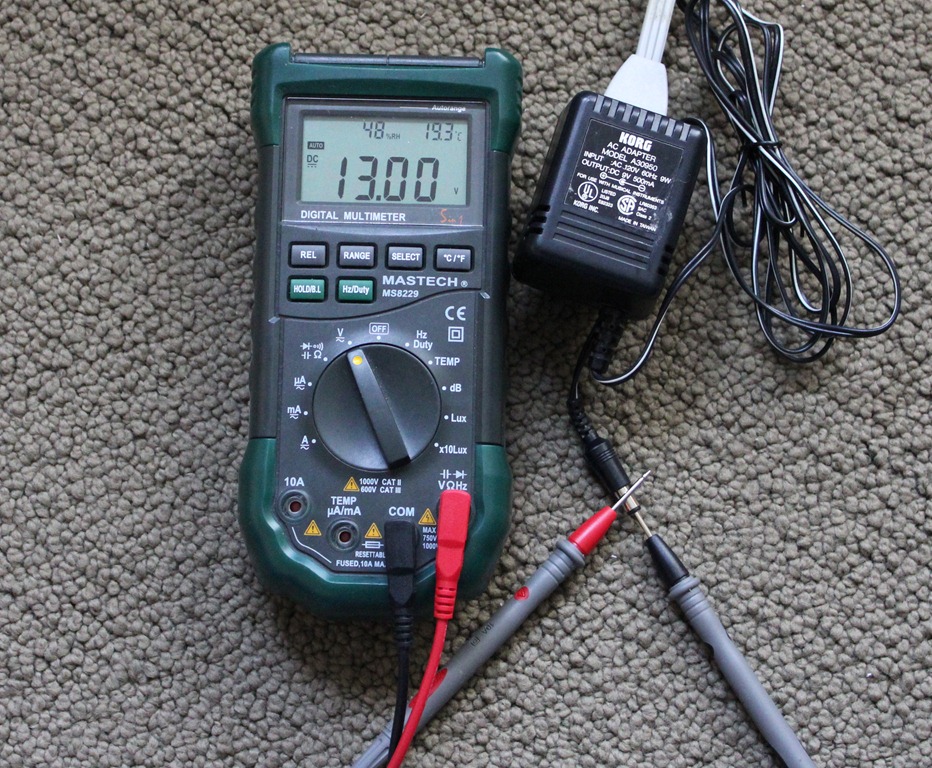
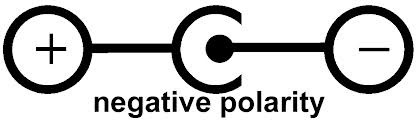
The following morning, just a few hours before the gig, I went through my box of old guitar gear to try to find a replacement 9V DC negative-tip power supply.
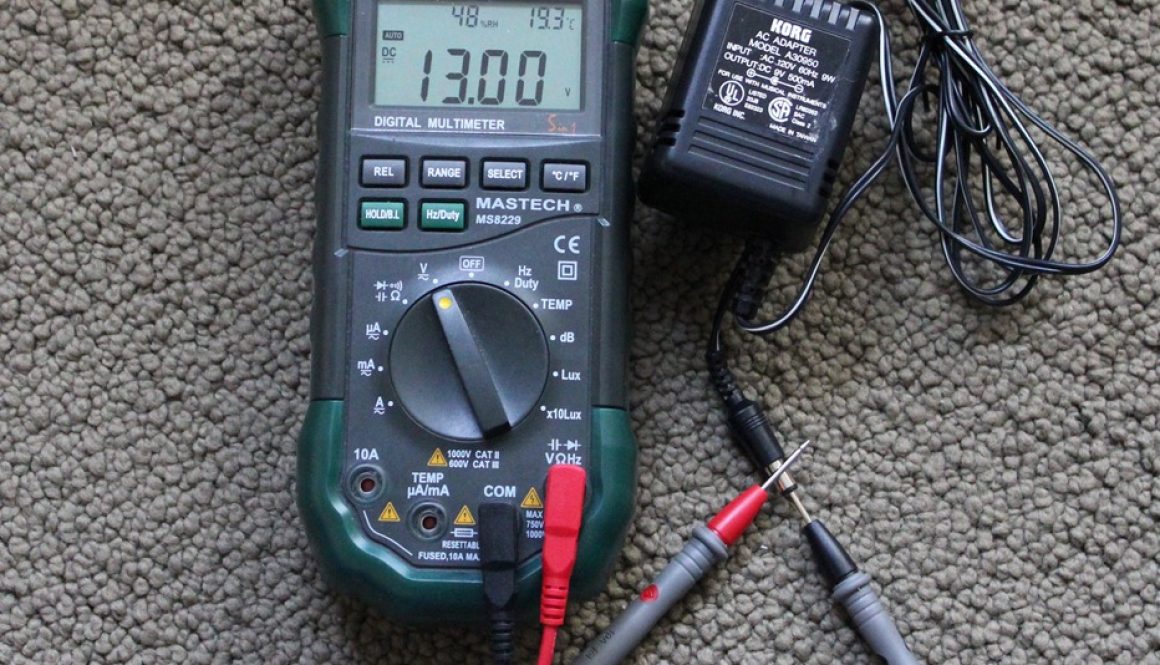
Hey, here’s the power supply for my Digitech Jamman Delay which I’m not currently using in my live rig. It says 9V, 1.3A. Strange, it doesn’t show a polarity, but it’s a power supply for a guitar pedal, and the plug barrel fits, so it must be good, right? What could possibly go wrong?
Read the rest of this entry
Monday, December 17th, 2012 at 11:12 am
In this final installment on finishing your own guitar effects pedals, I demonstrate how to print and apply the waterslide decal to the pedal, and apply a durable clear finish. In previous videos, I showed how to model, drill, and paint the enclosure, and design and prepare the artwork and labels in GIMP.
I use clear waterslide decal paper, and print on my inkjet Canon Pro9000mkII. After printing, and waiting a while to ensure the ink is dry, I spray on a few coats of Krylon Acrylic Crystal Clear acrylic to protect the ink during the soak. Then, after the clearcoat dries for 30 minutes or so, I trim the paper to final dimensions and soak the paper in warm water. When the decal starts to move freely from its backing, I wet the surface of the enclosure and slide the decal directly onto it. I iron out the bubbles with wet fingers, and adjust the decal into its final position, being careful not to stretch the decal.
Read the rest of this entry
Monday, October 15th, 2012 at 8:48 pm
The next step in finishing up the pedal that we’ve modeled, drilled and painted previously, is to prepare the artwork and labels.
In this tutorial, I will demonstrate how to compose your pedal artwork in GIMP, the free GNU Image Manipulation Program. I’m using GIMP 2.8.2 on Windows, but it also runs on Mac and Linux.
I start with an overview of my Under Pressure compressor and Speed Racer Overdrive artwork, and then show how to compose your own pedal artwork from scratch.
I cover the basics of project setup, layout, working with the rulers and guidelines, the graphics and text editing and selection tools, sourcing artwork and fonts, retouching and removing blemishes, extracting components from a larger image, layer compositing with masks, and more.
Here are some of the resources shown in this video:
Read the rest of this entry
Friday, September 28th, 2012 at 4:36 pm
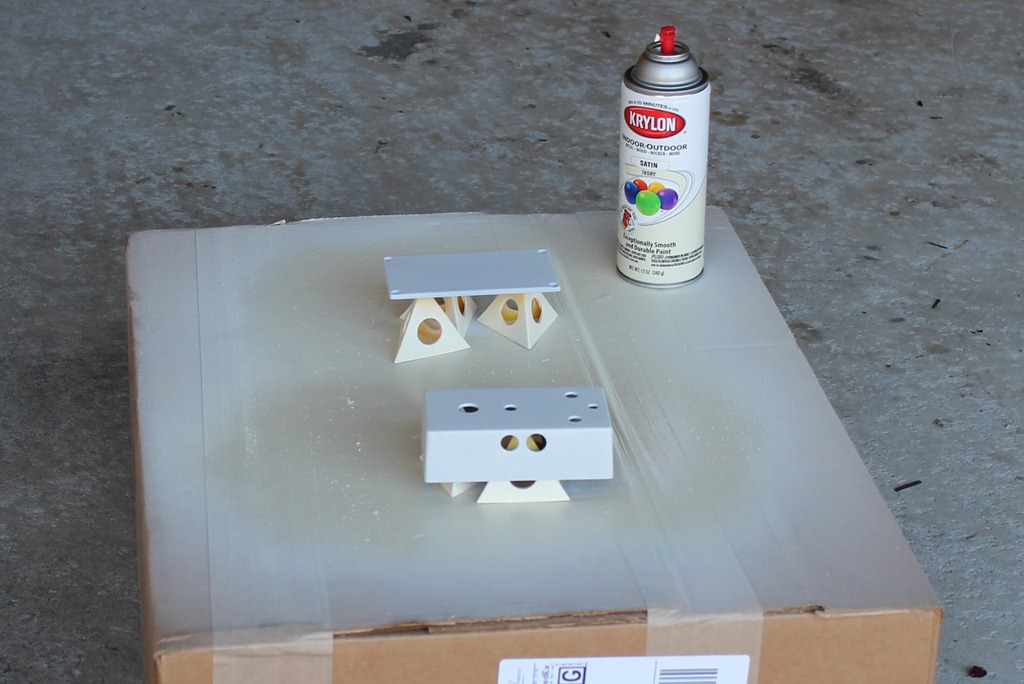
In previous posts, we modeled the enclosure in Sketchup, drilled it, and now we’re ready for paint and artwork. In this video, I talk about options for finishing the enclosure, and choices for art and labels. Then I demonstrate surface prep, priming and painting, in preparation for the waterslide decals.
Some of the resources shown in this video:
- P-touch labeler from Brother
- Adhesive backed window inkjet decal from Papilio, etc
- Bel inkjet waterslide decal paper. Also available from Papilio, etc
- Moollon etched pedals
- Z-VEX handpainted pedals
- Powder coated enclosures available from Pedal Parts Plus, Mammoth Electronics, etc
- Norton 150-grit multipurpose sandpaper
- Norton synthetic steel wool pads
- Mineral spirits or naptha. Please observe all safety measures- eye protection, gloves, ventilation, etc.
- Painter’s pyramids
- Krylon indoor/outdoor primer white
- Krylon indoor/outdoor paint ivory satin
- 125b, 1590a, 1590b, 1590bb diecast aluminum enclosures available from Pedal Parts Plus, Mammoth Electronics, etc
Friday, September 7th, 2012 at 7:15 pm
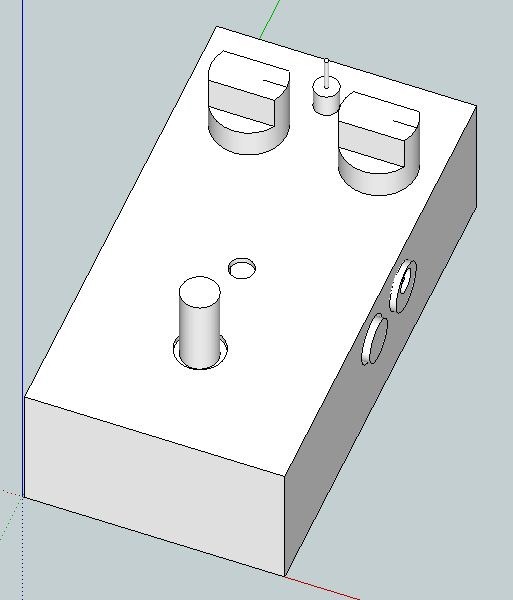
Now that we’ve modeled the enclosure and printed a drilling template, we’re ready to jump out of Sketchup and into the real world.
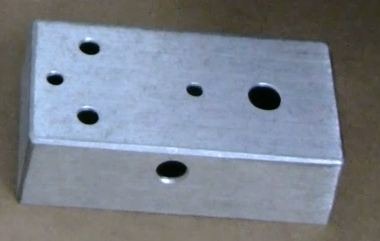
In this video, I’ll be demonstrating how to accurately drill the holes in a diecast aluminum 125B guitar pedal enclosure, preparing to install the electronics. I’m using the drilling template we printed in part 2. The pedal I’m building is a modified Ross compressor, using a printed circuit board purchased from GuitarPCB.
Funny, I just noticed while reviewing the final video edit that I was saying “barrel” instead of “bezel” for the LED bezel. I guess I was channeling my inner Cooper.
Some of the resources used in this video:
Friday, August 31st, 2012 at 11:10 pm
This is part 2 of my new series on building guitar effects pedals.
This part of the project ended up being far more grandiose than I originally intended. I started out planning to just show how to model this diecast aluminum 125B guitar pedal enclosure, to make sure my PCB and components would fit properly inside. But by the time I was done with it, it was essentially a complete beginner’s how-to course for Google Sketchup. (Note, Sketchup is now part of Trimble instead of Google).
To give you an idea of how long this took for me to complete, I started filming the intro and the Sketchup tutorial videos in June of 2011. Over the last year, in the time-spaces between the rest of life, I’ve been gradually editing, revising, extending, and composing music for the project.
In this tutorial, I start out with the absolute basics, and gradually pick up the pace, progressing to more and more advanced topics. I divided the video up into 5 sections, but kept them all together in one 55-minute video. In my previous multi-part videos, I had to split them into multiple YouTube clips, due to the YouTube length restrictions, but now that they’ve relaxed those for my account- I hope it’ll be better having it all in one video.
Here is the Sketchup file that I used in the tutorial if you’re interested: Download sketchup file.
Each section assumes a familiarity with the previous section topics. Here’s the table of contents:
Read the rest of this entry
Friday, August 31st, 2012 at 8:25 pm
This is the first post in a series on building guitar effects pedals. It’s going to be a bit out of order- I’ll be starting with what is usually considered the finishing touches- putting the pedal in an enclosure, modeling and laying out an enclosure in Google/Trimble Sketchup, drilling the enclosure, painting and finishing it.
Then hopefully later, I’ll go back and do a project showing how to build a simple boost pedal from scratch.
This first video is the motivational intro: here are some of the things I’ve done, and yes, you can too! If you have some interest in electronics and guitars, what better way to improve your knowledge? You can get started with little or no electronics experience, and you’ll learn a bunch along the way.
In part 2, I give a full beginner’s course in Google Sketchup.
Here are some useful links for pedal building:
Read the rest of this entry
Saturday, May 12th, 2012 at 9:11 am

My pedalboard for the recent Summer Music Project gig was a a bit of a compromise. I couldn’t fit the JamMan Delay on the pedal board so it was hanging off to one side, and I had no space for my fuzz and chorus.
I’ve been planning to build a new larger PedalTrain-inspired pedalboard, and make some new correct-length cables.
Meanwhile, some of this pedal order is dependent on the short cables I had on hand. I would prefer to wire the tuner before the volume pedal, and the compressor before the wah, but that will have to wait for the redo.
The pedal chain I settled on for the gig was:
I received the VOX Ice 9 just before the gig, so I haven’t fully explored its voicing yet, but it sounds really nice. It has an overall darker sound that my Speed Racer, so I’m initially using it as a very mellow overdrive/boost, and using my Speed Racer for more bright aggressive drive. I wasn’t doing any live looping with the JamMan Delay- I was just using the delays, and loving that tap tempo switch.
Read the rest of this entry
Wednesday, May 2nd, 2012 at 10:26 am
Well, April just came and went, didn’t it?
It’s been a super busy month at work, and what free time I had was filled with preparing for a gig with my band, The Summer Music Project.
The set list ranged from some classic rock, right up to the present:
- Shine On – Peter Frampton
- Get Back – Beatles
- Penny On The Train Track – Ben Kweller
- Taste of Danger – Jonatha Brooke
- Stop – Joe Henry
- Wonderwall – Oasis
- Animal – Neon Trees
- Cough Syrup – Young the Giant
- Perfect Situation – Weezer
- I’m Sorry – Charles Besocke (original)
- Don’t Take It Easy – Laura Whitmore (original)
- The Only Exception – Paramore
- Help Me (She’s Out of Her Mind) – Stereophonics
- Level – Raconteurs
- Revelry – Kings of Leon
- Chocolate – Snow Patrol
- Loving Cup – Rolling Stones
- Had Me A Real Good Time – The Faces
I’m playing lead guitar on all of these, and some definitely push the limits of my abilities- so it’s been a great challenge. Also, and rather more nerve-wrackingly, I sing on most of the songs- mostly harmony with our lead singer Laura Whitmore, but I also had to sing lead parts on a couple songs. I’ve never been thrilled with the timbre and range of my voice, so I spent a lot of time working on the songs. As with anything, it’s definitely true that the more you practice, the better you get, but I have a looooong way to go. I’ll be writing more about voice training in another post.
Read the rest of this entry
Friday, March 16th, 2012 at 7:29 pm
In my tone capacitor video, I demonstrated the typical use of the capacitor as a low-pass filter in a guitar tone control. On a home stereo, this would be called a treble control, as it is used to roll off the high-end treble frequencies.
But what if you also want a bass control- a high-pass filter to roll off the low bass frequencies?
In the circuit diagram shown here, from the G&L S-500 guitar, you’ll find both a treble and bass control. They call it their PTB system (which presumably stands for passive treble bass, but I’m just guessing here).
Read the rest of this entry